

MedXPlain-3D Patient Education — iOS App
MedXPlain: One App for Medical Videos, 3D Models, and Smarter Sharing
Introduction
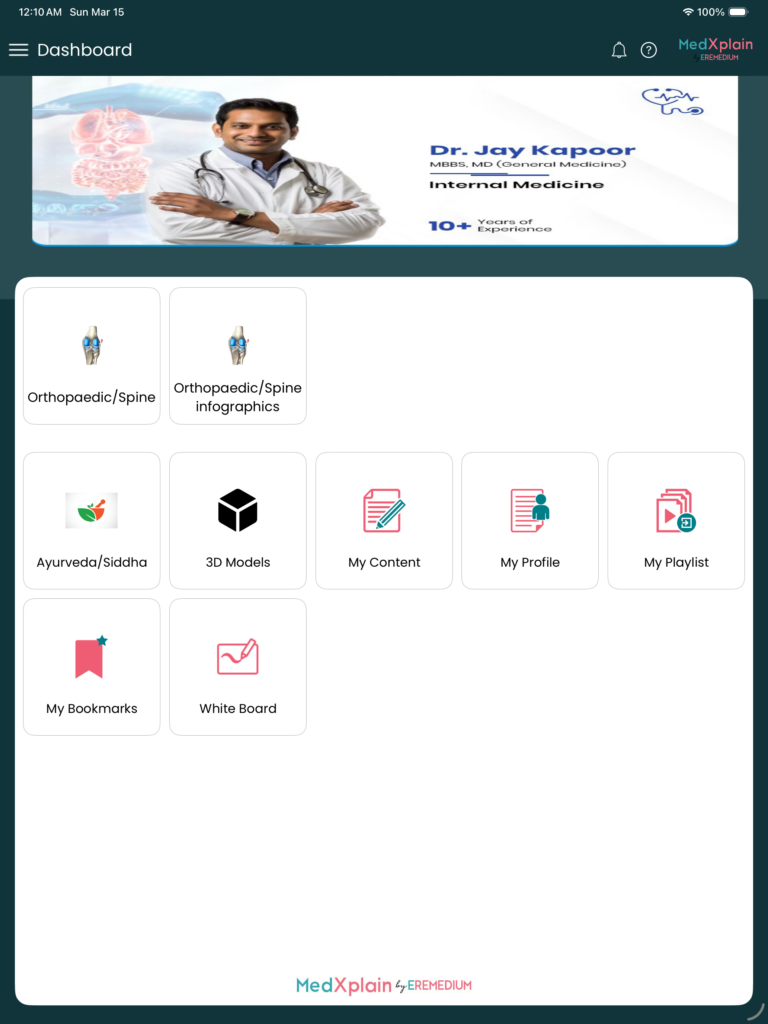
Healthcare professionals and life-science teams need quick access to trusted medical content—whether it’s a product video before a call, an infographic for a presentation, or a 3D model to explain anatomy or mechanism. MedXPlain brings all of this into a single iOS app: watch, organize, annotate, and share without leaving your phone or tablet.
What is MedXPlain?
MedXPlain is an iOS app built for medical education and engagement. It gives users a central place to:
- Watch medical and healthcare videos (by category, subscription, or sponsor).
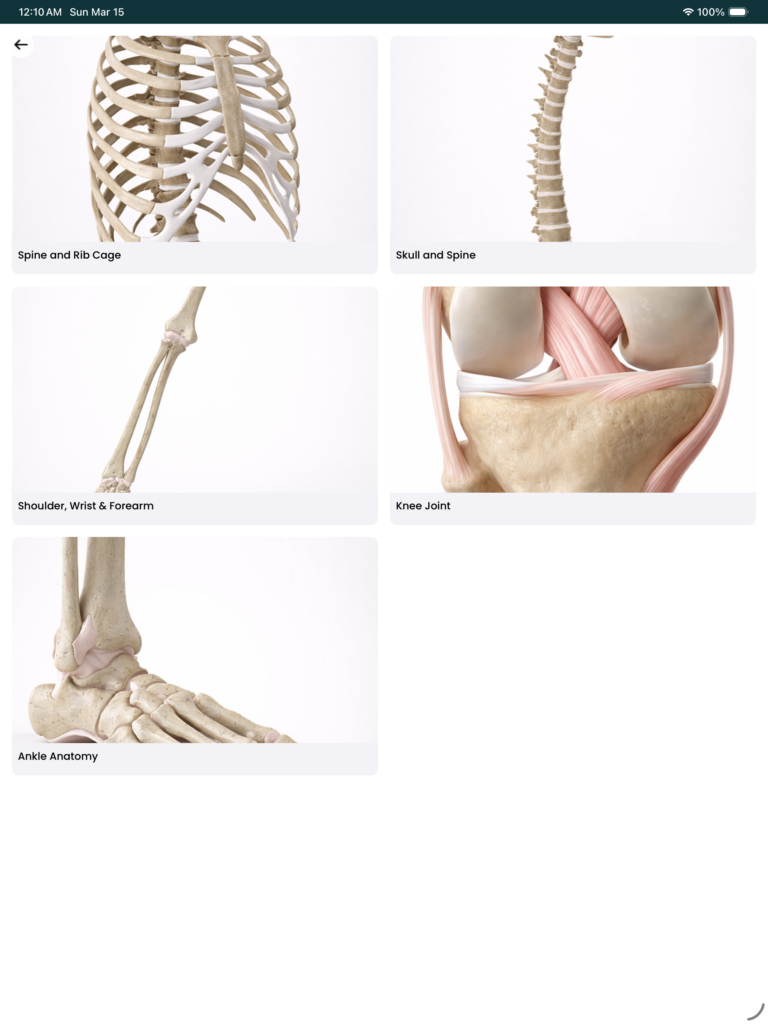
- Explore infographics and open them in a built-in PDF viewer.
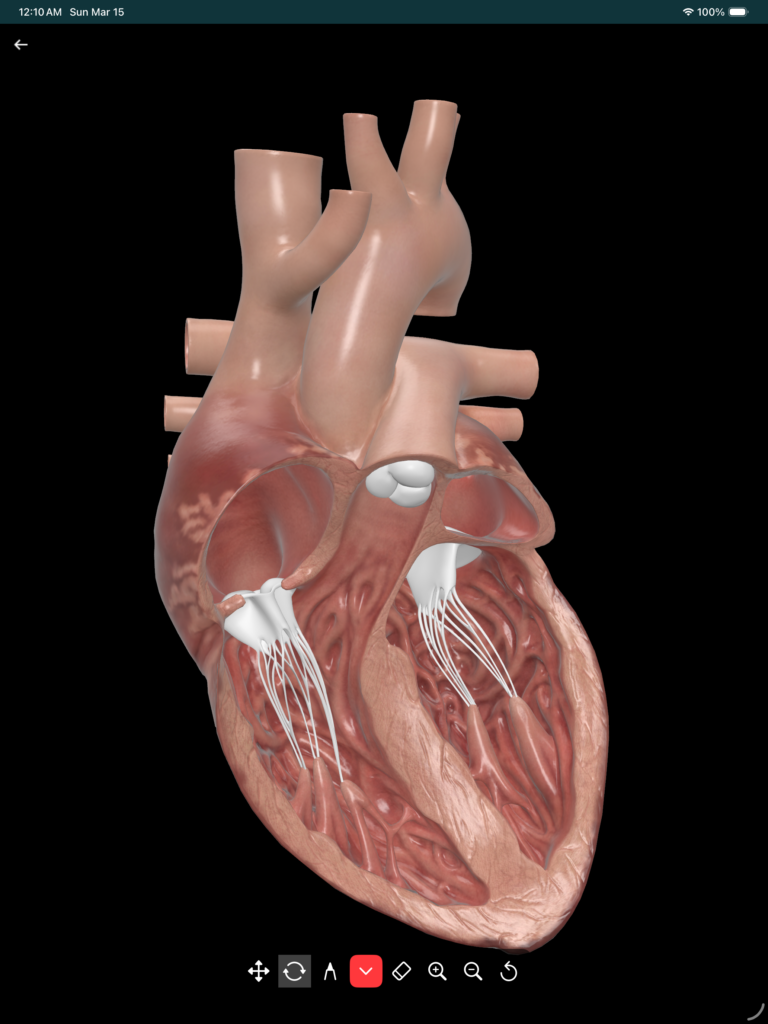
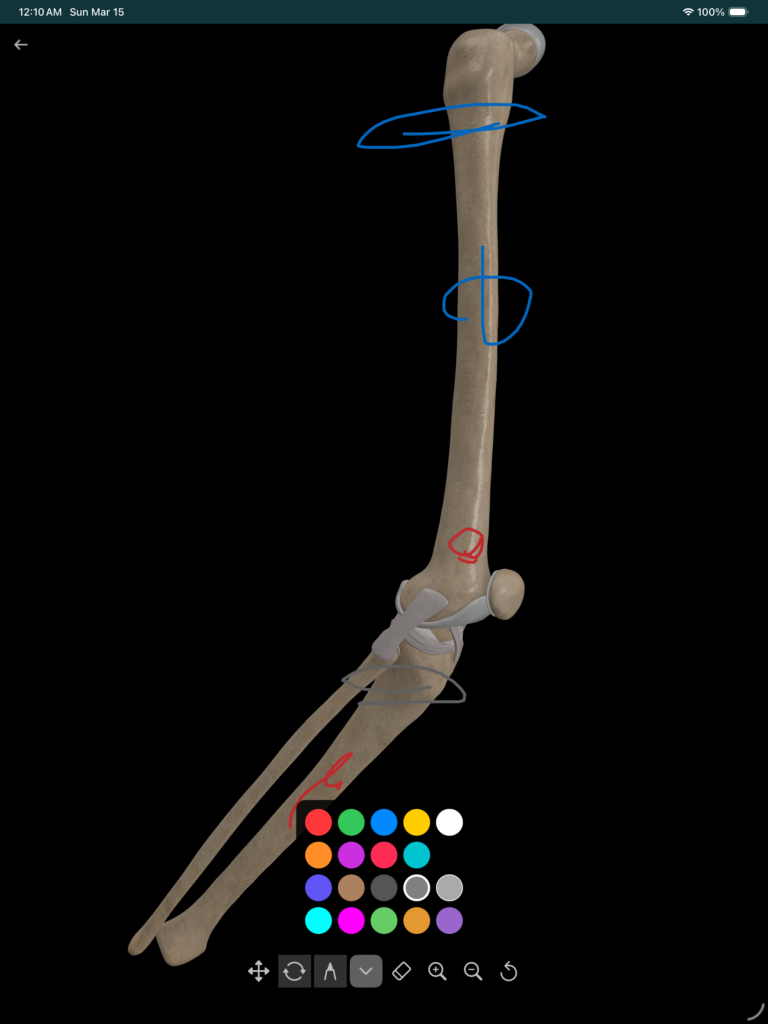
- Interact with 3D medical models—rotate, zoom, and draw on them.
- Organize content with playlists, bookmarks, and “My Content.”
- Share what matters: generate links for videos, playlists, infographics, or whiteboard media and share via WhatsApp, Telegram, or copy link.
- Work offline by downloading videos and key content and using cached data when the network is unavailable.
The app supports both individual professionals (e.g. doctors managing their own learning and sharing) and sponsor-driven experiences (e.g. pharma-branded dashboards and content), so it fits CME, product education, and field engagement.
Key features in action
Videos that work your way
Browse by category or folder, search, and add videos to playlists. The player supports standard controls, and you can draw on the video with Apple Pencil or finger—ideal for teaching or noting key frames. When you need to multitask, Picture-in-Picture keeps the video visible. Subscribed and sponsor content is clearly surfaced on the dashboard.
3D models you can touch
Subscribed 3D models open in an interactive viewer: orbit, pan, and zoom to explore anatomy or mechanisms. Use the annotation tools to draw on the model in multiple colors, then erase or switch views. It’s built for explaining complex concepts in meetings or self-study.
Infographics and PDFs
Infographics are listed by category and searchable. Tap to open in the in-app PDF viewer, then print, share, or jump into the whiteboard/annotation flow. Everything stays inside the app for a smooth workflow.
Your content, your way
- Playlists: Create playlists, add videos and content, and reorder as needed.
- Bookmarks: Save important URLs with custom titles and access them from any device after sync.
- My Content: Upload and manage your own files and media, and add them to playlists.
- Profile: For HCPs, the profile supports specialty, contact details, bio, awards, and custom images (profile picture, logo, banners), so the app can double as a lightweight professional profile.
Share with a link
Generate shareable links for videos, playlists, infographics, sponsor content, or whiteboard media. Add a short note, then share via WhatsApp, Telegram, or copy link—no need to send large files.
Offline and download
Download selected videos (and other content) to watch without the internet. The Download All option lets you bulk-download subscribed videos, sponsor content, and infographics. Downloads continue in the background, and the app restores progress after a restart. Cached data (e.g. playlists, bookmarks, categories) is used when offline, with a 7-day sync window so the app stays useful even with intermittent connectivity.
Screen saver and notifications
Use the app’s screen saver to show medical images or clips when the device is idle (e.g. in a clinic or meeting room). In-app and push notifications keep you updated on new content or important messages.
Who is it for?
- Healthcare professionals who want one place to watch, organize, and share medical content.
- Pharma and medical affairs teams running sponsor or subscription programs.
- Educators and trainers who use videos, infographics, and 3D models in teaching.
- Anyone who needs offline access and simple sharing of medical education material.
Getting started
MedXPlain is available on the App Store for iPhone and iPad. Create an account to unlock playlists, bookmarks, My Content, profile, downloads, and sponsor content. You can explore categories and some content without an account, then sign in when you’re ready for the full experience.
Summary
MedXPlain turns your iPhone or iPad into a single hub for medical education: videos, infographics, 3D models, playlists, bookmarks, offline downloads, and one-tap sharing. Whether you’re preparing for a call, teaching, or staying updated, the app is built to keep content organized and easy to share—online or offline.